
Annual returns and CAC filings
How to Build a Compliance Calendar for a Nigerian Business
Build a compliance calendar around your entity, activities, reporting periods and verified CAC, tax and permit deadlines.
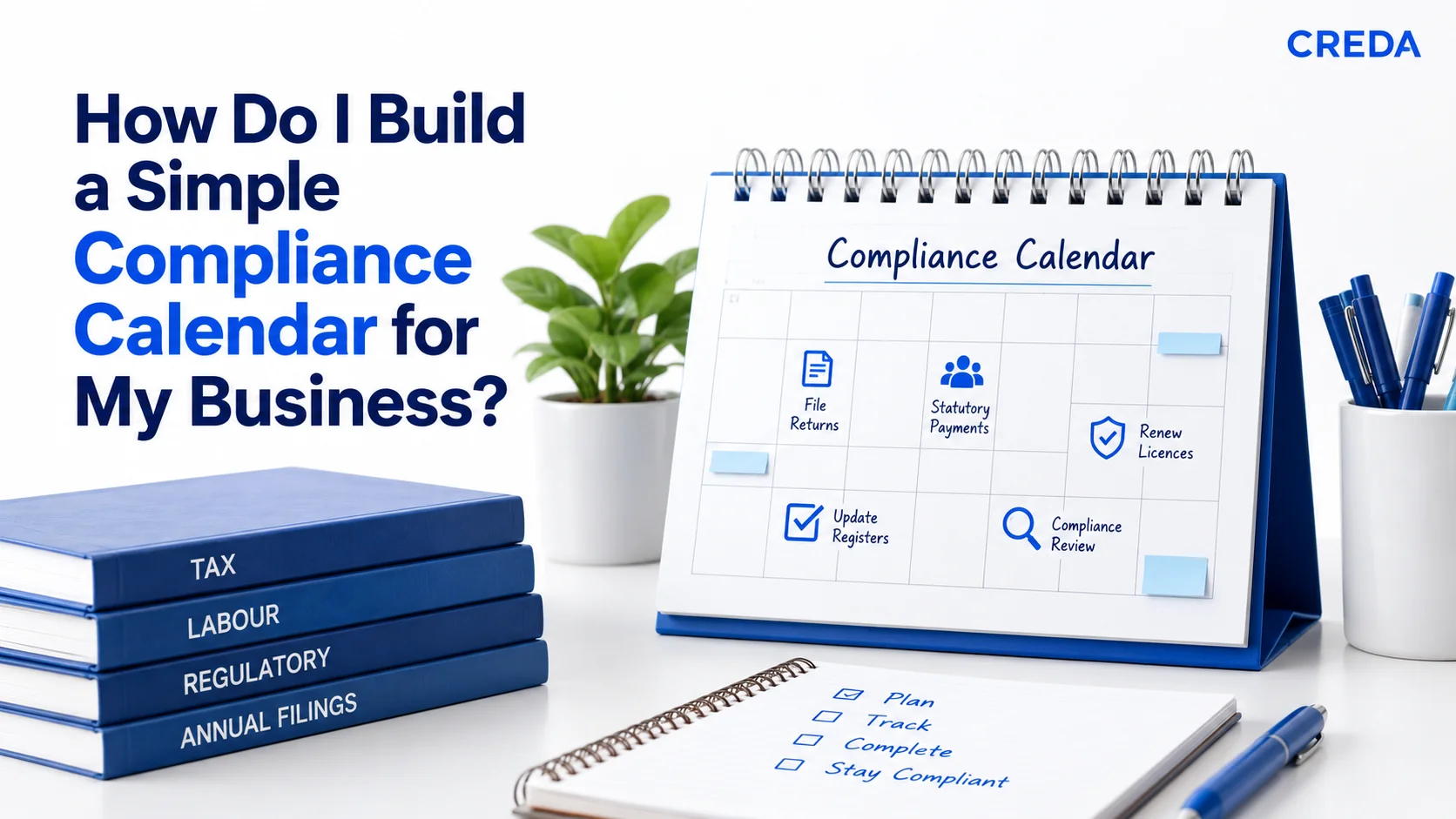
A useful compliance calendar tells the team what is due, who owns it and where to find proof after filing. Start with the registered entity, what it does, where it operates and its reporting periods. Then confirm which rules apply to those facts.
List obligations by authority
Separate Corporate Affairs Commission filings, tax obligations and other permits or licensed activities. Give each item its own row, even when two items have related names. Record the frequency, reporting period, verified due date, official source, owner and reviewer. Add a place to store a confirmation or reference after filing.
Avoid using one deadline for every entity. For an item you have not verified, mark it “confirm” and assign someone to resolve it. Give essential preparation tasks their own dates so the filing owner has time to collect signatures, reconcile numbers or ask for advice.
Make changes trigger a review
Review the calendar whenever you hire staff, enter a new state, begin a regulated activity or change the ownership or address on official records. A calendar that simply repeats last year’s dates may miss a new obligation triggered by a change.
Example. A small company hires its first employee. The owner adds a task to confirm payroll-related filing or payment duties and who handles them. The team keeps the company’s original registry filing tasks and tax return tasks visible as separate rows.
Close an item with evidence
Store the final form, acknowledgement, receipt and date together. If a payment is confirmed and a filing is still awaiting action, mark each part accurately. Review next month’s tasks at a set time each month.
Use the Nigeria Tax Administration Act and the CAC iCRP help centre as starting points, and confirm dates with the applicable authority.
Turn each obligation into a trackable entry
Create a sheet with columns for authority, obligation, who it applies to, period, due date, source, owner and evidence link. Write the date you verified the requirement beside the source. Mark an item unconfirmed if the authority or adviser still needs to determine whether it applies.
| Calendar point | What the owner does |
|---|---|
| Preparation reminder | Gather documents and ask finance or operations to supply missing inputs. |
| Internal review date | Check names, periods and figures against supporting records. |
| Filing day | Record the submission time and official reference. |
| Follow-up date | Review the outcome, record a query if applicable and assign the response. |
An annual calendar should cover preparation as well as the formal deadline. If a recurring filing depends on information from another team, agree an internal handover date. Test the calendar by asking someone to pick an earlier period and retrieve the underlying confirmation. When a rule or a business activity changes, verify the new applicability and date before rolling the entry forward.
Set up a compliance review with CredaBiz
Set up a compliance review with CredaBiz. Bring your entity type, operating activities and a draft list of filings. Ask which due dates, documents or responsible authorities you still need to verify.
Join the conversation
Share a brief thought or question about this article.
No comments yet. Be the first to share a thought.
Suggested for you

Annual returns and CAC filings
How to Prepare for a Share Transfer in a Nigerian Company
Identify the shares, parties and company approvals, then prepare the instrument, records and evidence needed for a share transfer.
21 November 2026
Annual returns and CAC filings
What Should I Check Before Buying Shares in a Small Company?
Check what is being transferred or issued, the seller's authority and the company's actual records. A percentage discussed in a chat does not complete an ownership transaction. Use appropriate professional review before signing or paying.
18 November 2026

Annual returns and CAC filings
Do Shareholders and Directors Have the Same Role?
Shareholders hold ownership interests; directors have governance and management responsibilities under the applicable company arrangements. The same person can occupy both roles, but the records and decisions should distinguish them. Review the actual structure rather than relying on job titles.
15 November 2026