
Business registration
How to Check That a CAC Registration Invoice Matches Your Request
Match the invoice with the agreed entity type, stage, fees, deliverables and payment reference before paying.
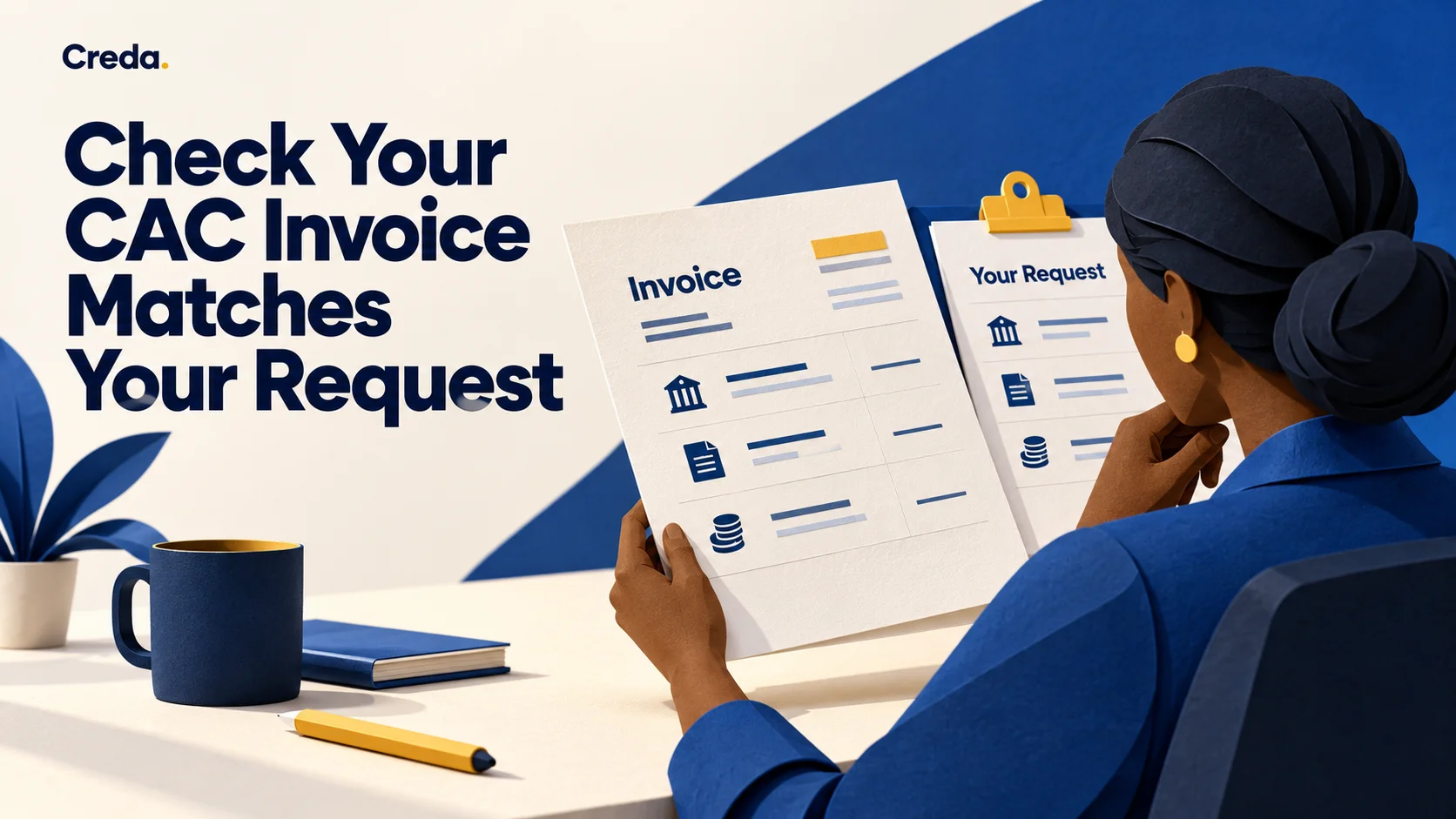
Read a CAC registration invoice alongside the brief or accepted quote. Confirm which entity type and filing stage it covers. Then compare the work listed, what you should receive and how much is payable.
Identify each material charge
Ask which amounts represent government charges and which are for professional support or optional services. Check whether the invoice covers only reservation or includes filing and handover. If a line item is unclear, ask for its description and whether it applies to your case.
Example. A business asks for limited company support and the invoice refers to “business name registration.” The owner should pause and have the provider reconcile the two records before paying. The corrected invoice should name the structure the parties agreed.
Tie the payment to the right case
Verify the invoice issuer and payment route using the channel already agreed with the provider. Keep the invoice and payment reference together with the application reference once it is issued. If instructions change, confirm the change with a known contact before acting.
Does an invoice show the filing is complete? It shows the charges stated on that invoice. Ask for the relevant application update and issued documents to confirm how far the work has progressed.
Compare the CAC invoice with your accepted scope
Open the invoice and the accepted quote side by side. On a sheet, write the entity type and intended filing stage from the quote. Then find each charge on the invoice and mark it as agreed, unclear or different. Follow up on the differences in writing so there is one record everyone can use.
| Invoice field | What to compare it with |
|---|---|
| Customer and case reference | The business or owner details and request you gave the provider. |
| Entity and filing stage | The agreed structure and whether you asked for reservation, filing or both. |
| Charges and balance | The stated registry charges, professional fees, optional extras and earlier payments. |
| Expected handover | The list of files and references the provider agreed to deliver. |
| Payment details | The verified payment route previously used or agreed with the provider. |
Use one question for each discrepancy
If the quote names a limited company and the invoice names a business name, ask the issuer to confirm which case the invoice covers and send a corrected copy if needed. If the total changed, ask which item changed and why. File the revised invoice beside the quote. Once paid, add the transaction reference and the matching application reference. At handover, compare the issued documents with the agreed scope so your finance record and filing record tell the same story.
Compare CredaBiz registration options
Compare CredaBiz registration options. Open Business Registration Options and choose the structure you want to discuss. Bring the written scope and the invoice item you want clarified. Ask for the current charges and deliverables for your specific case. For official application guidance, see the CAC iCRP help centre.
Join the conversation
Share a brief thought or question about this article.
No comments yet. Be the first to share a thought.
Suggested for you

Business registration
How to Read a CAC Registration Quote and Understand Its Scope
Check the registration work, responsibilities, charges and query handling covered by a CAC service quote before accepting it.
28 November 2026

Business registration
CAC Registration for Nigerian Online Sellers: What to Prepare
Prepare your business activity, owner details and registration documents before filing for a Nigerian online-selling business.
27 November 2026

Business registration
How to Review Registration Records Before Your Next Growth Stage
Compare the records you filed with how your business now operates before onboarding new customers, partners or investors.
26 November 2026