
Business registration
How to Correct an Error on an Issued CAC Certificate
Identify the source of a CAC certificate error, gather evidence and request the right correction before using the document again.
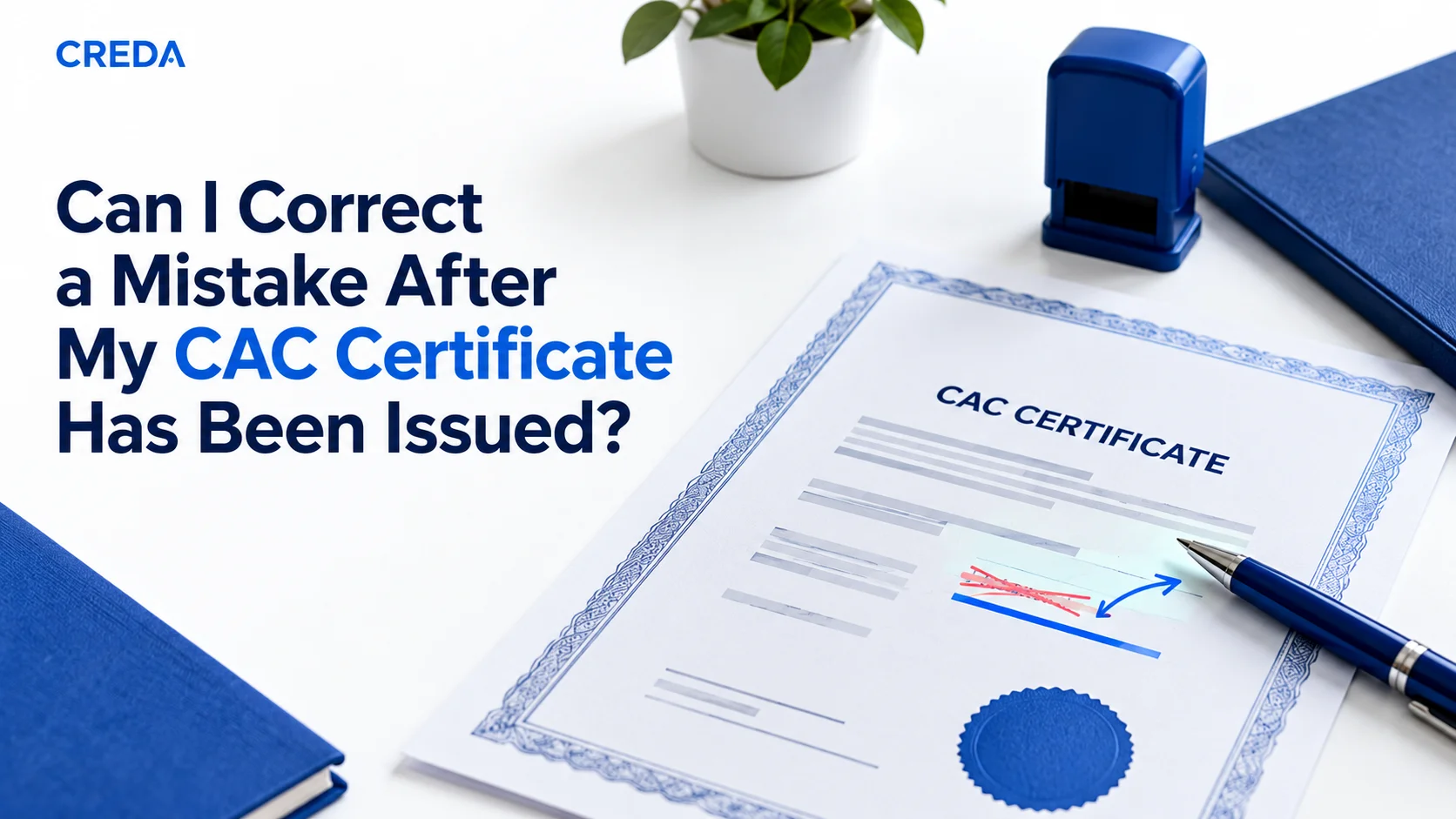
When a CAC certificate shows an apparent error, compare it with the underlying registration record before paying for a correction. A mistake on an issued file, a mistake in the registry particulars and a change after registration can call for different action.
Find the source of the discrepancy
Download a fresh version from the official channel where available, then compare it with the application, status report and evidence that supports the correct detail. Record the exact fields affected, including the spelling on each record, the registration number and the date you noticed the issue.
If the certificate and registry record differ, ask CAC which record needs attention first. If both show the details that were originally submitted and you now want something different, describe the change and when it happened. This gives the registry or adviser enough information to identify the appropriate process.
Example. Your certificate and status report both show a founder’s former surname, which was correct at the time. The brief should describe the later change and identify the records that need updating. For a spelling error present from the first filing, provide the original submission and identity evidence instead.
Request a documented resolution
Keep original files untouched and retain any registry correspondence.
Confirm which authority or team handles the issue and what proof it needs.
Ask for the scope, charges, reference and expected output in writing.
When the correction is issued, compare all affected records before sharing the updated copies.
Can I correct the PDF myself? Leave the issued document intact. If someone needs an explanation while you resolve the discrepancy, explain the situation in a separate note and share a corrected official copy once available.
Separate a CAC certificate error from a later change
List the field you are concerned about and copy the version shown on each record, including the issued certificate, status report and submission if you have it. Keep the values in a private work note rather than editing the PDF. Record whether the entry was accurate when you filed and what evidence supports the requested wording.
| What you find | What to ask about |
|---|---|
| A fresh official download has the correct entry | Whether the file you used earlier was outdated or for another case. |
| The certificate and registry details disagree | Which official record needs attention and how to request a review. |
| Both records show the same original error | How CAC handles that field and which evidence of the correct entry is needed. |
| The entry was correct and details changed later | Which post-incorporation procedure applies to the change. |
Prepare a request someone can act on
Write one paragraph with the entity type, registration number and affected field. Describe the difference and the evidence you can supply securely. Ask what will be issued once the request is completed and whether other records are affected. When the official result arrives, compare it to your request before giving it to a bank, supplier or customer. Record the new issue date and mark the earlier copy as superseded in your internal index if appropriate.
Get scoped post-incorporation support
Get scoped post-incorporation support. Open CredaBiz Post-Incorporation and ask what the team needs to distinguish a correction from a change. Describe the affected field and the paperwork you have. Share full identity documents only through a verified channel after confirming what is required. For official application guidance, see the CAC iCRP help centre.
Join the conversation
Share a brief thought or question about this article.
No comments yet. Be the first to share a thought.
Suggested for you

Business registration
How to Read a CAC Registration Quote and Understand Its Scope
Check the registration work, responsibilities, charges and query handling covered by a CAC service quote before accepting it.
28 November 2026
Business registration
How to Check That a CAC Registration Invoice Matches Your Request
Match the invoice with the agreed entity type, stage, fees, deliverables and payment reference before paying.
28 November 2026

Business registration
CAC Registration for Nigerian Online Sellers: What to Prepare
Prepare your business activity, owner details and registration documents before filing for a Nigerian online-selling business.
27 November 2026