Business registration
How to Request a Written Scope for a CAC Correction
Brief a CAC correction provider with the existing record and the supported details, then check what its written scope covers.
A correction quote is easier to assess when you state the exact record, incorrect field, correct value and outcome you need. Provide the registration number and a brief timeline. Keep the original record intact and send supporting identity files only through the agreed secure channel.
Separate the problem from the proposed solution
Ask the provider to explain how it classified the request. A portal entry may need correction, a change may need a post-registration filing, or an existing document may need to be downloaded again. Tell the provider what you tried and whether CAC has given a reference or response.
Example. The bank rejected an address that does not match the customer’s current address. The customer can first confirm whether the bank means a director’s residential address or the company’s registered office. The written scope should name the correct field and explain why it needs to change.
Check the quote before accepting
Request the work included, expected output, official charges and service fees, handling of queries and any exclusions. Ask who submits evidence and how you can track the request. Request a final review against the correct value and the exact record named in the scope.
What if one request affects several records? Ask which record must be corrected first and which downstream copy or third-party record needs a separate follow-up. Save all confirmation references under one case.
Start with the CAC iCRP help centre or CredaBiz post-incorporation support.
Join the conversation
Share a brief thought or question about this article.
No comments yet. Be the first to share a thought.
Suggested for you

Business registration
How to Read a CAC Registration Quote and Understand Its Scope
Check the registration work, responsibilities, charges and query handling covered by a CAC service quote before accepting it.
28 November 2026
Business registration
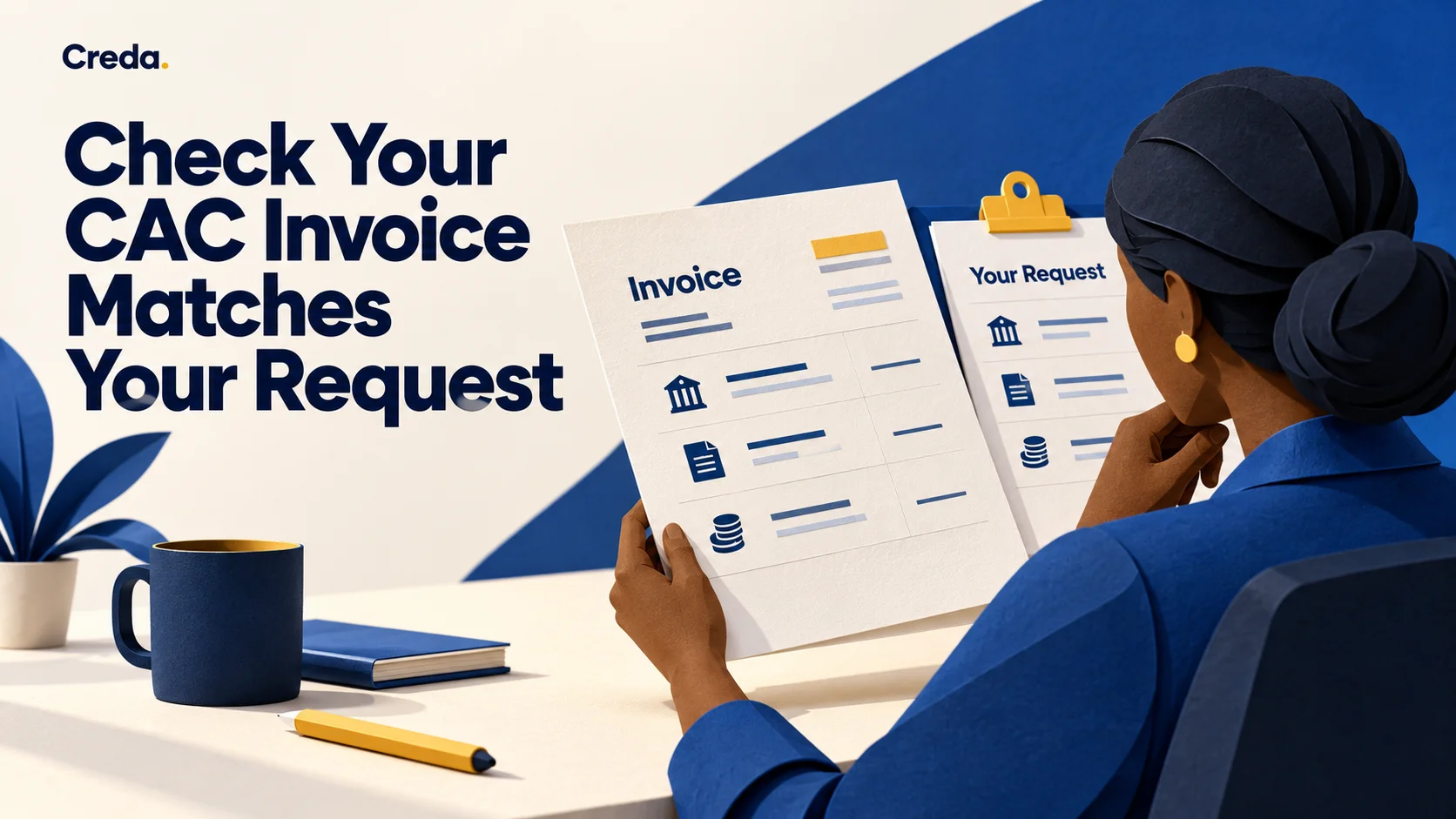
How to Check That a CAC Registration Invoice Matches Your Request
Match the invoice with the agreed entity type, stage, fees, deliverables and payment reference before paying.
28 November 2026

Business registration
CAC Registration for Nigerian Online Sellers: What to Prepare
Prepare your business activity, owner details and registration documents before filing for a Nigerian online-selling business.
27 November 2026