
Business registration
How to Set Up a Registration Records Folder Your Team Can Maintain
Organise registration files by purpose, keep official copies distinct and make access and ownership clear.
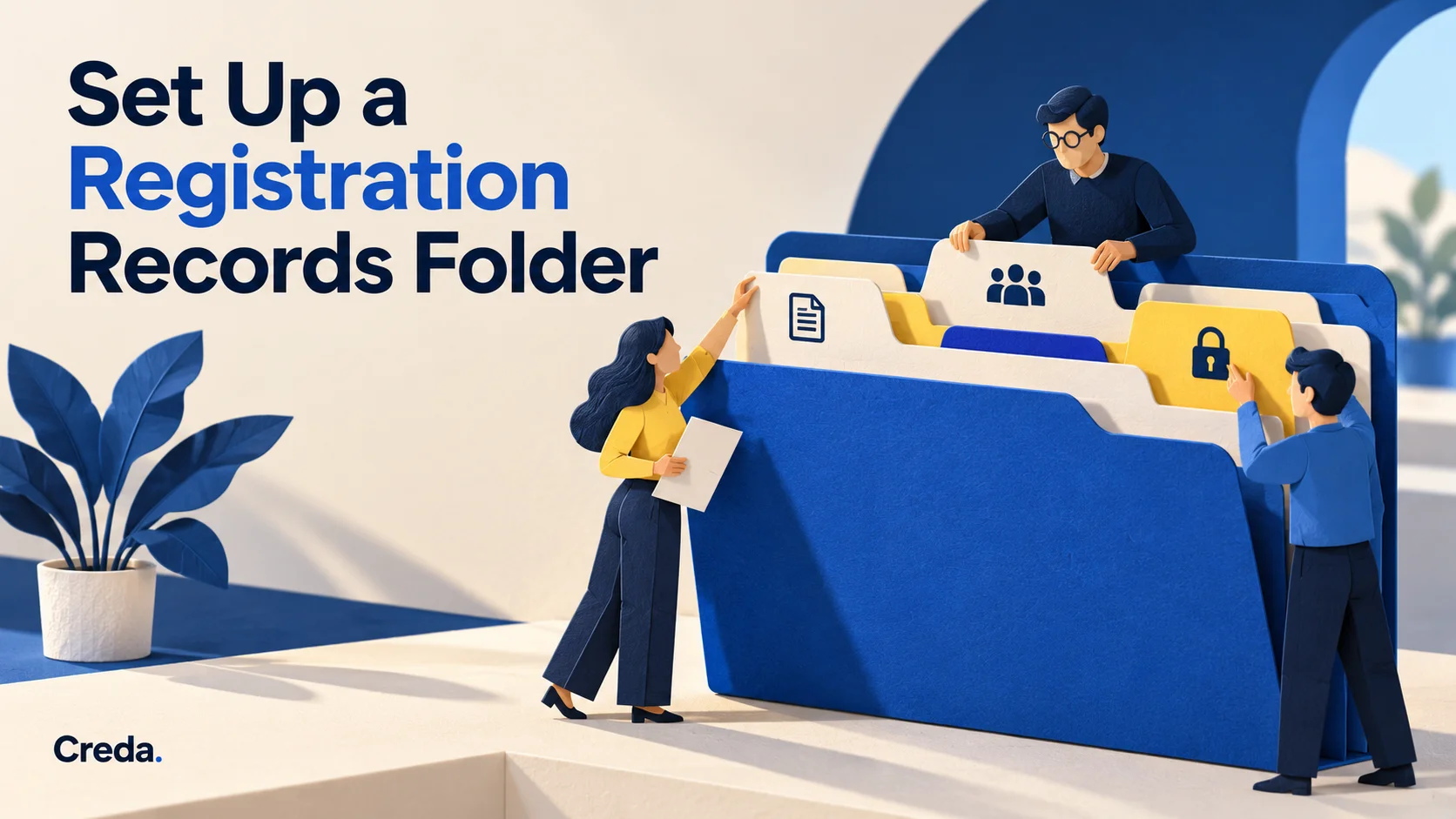
Design a registration folder so someone joining the team can find the current certificate and a specific filing receipt without asking the founder. Start with a single official location and a named owner.
Separate issued files from working material
Use four folders. Keep current official records in one place, filing confirmations and receipts in another, working instructions in a third, and older versions in an archive. Put personal identity and signature files in a restricted location, then link to them only where an authorised team member needs access.
Use filenames that identify the business, document type and event date. Preserve the issued file. If a working copy is marked up, label it as such. Keep a small index that lists the document, owner, location and latest check date.
Example. A team has three status reports in email. The records owner compares dates and particulars, puts the current verified file in the official folder and archives earlier copies. The index shows which report is current, and the team updates its onboarding pack from that folder.
Maintain the system after each filing
Require a short handover when a filing is complete. The owner saves the acknowledgement, confirms the issued document and updates the index. Review who has access whenever someone changes roles or leaves.
Can we let every employee access the folder? Give staff access to the records they need for their work. Manage sensitive files separately and remove access as the need expires.
See the Nigeria Data Protection Act for the rules that apply to personal data.
Create the index before moving files
Give the index columns for entity, document type, issue date, reference, current status, owner and secure file location. Add one example to each folder so the team can see what belongs there. Use one naming convention and record which earlier versions are superseded.
| Folder | What to put there |
|---|---|
| Current issued records | The current certificate and other issued records the team relies on. |
| Filing trail | Submitted forms, confirmations, receipts and responses grouped by reference. |
| Working notes | Draft instructions, open requests and decisions that still need confirmation. |
| Archive | Previous issues, clearly labelled by date and marked as superseded where appropriate. |
Give a colleague a task such as finding the September filing acknowledgement without contacting the founder. Time how long it takes and note what they could not tell from the filename. Make the index clearer before adding more copies. Store ID and signature files in a restricted place and review access when someone changes role. Name a new owner before the previous one leaves.
Review your registration records with CredaBiz
Review your registration records with CredaBiz. Bring an inventory and a list of missing or disputed records. Ask which official copies or updates would help your team maintain the folder.
Join the conversation
Share a brief thought or question about this article.
No comments yet. Be the first to share a thought.
Suggested for you

Business registration
How to Read a CAC Registration Quote and Understand Its Scope
Check the registration work, responsibilities, charges and query handling covered by a CAC service quote before accepting it.
28 November 2026
Business registration
How to Check That a CAC Registration Invoice Matches Your Request
Match the invoice with the agreed entity type, stage, fees, deliverables and payment reference before paying.
28 November 2026

Business registration
CAC Registration for Nigerian Online Sellers: What to Prepare
Prepare your business activity, owner details and registration documents before filing for a Nigerian online-selling business.
27 November 2026