
Business registration
How to Share Business Registration Documents Securely
Verify the recipient, share only the documents needed, restrict access and keep a record when sending registration files online.
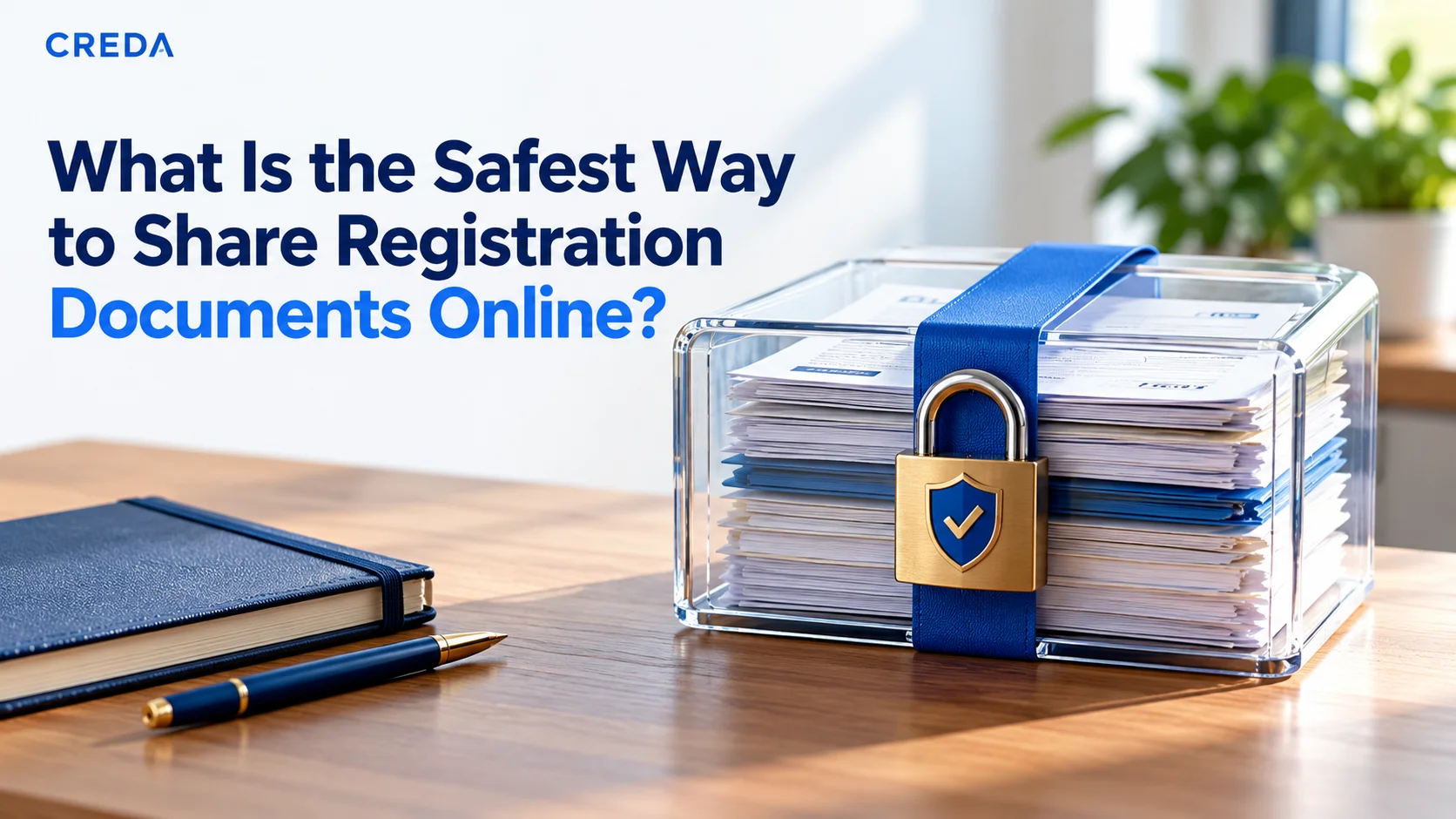
Before sharing a registration document, confirm who needs it and what they need to verify. A vendor onboarding officer may require the entity name and registration number. A regulator completing an identity check may need more. Ask what the recipient accepts before sending an entire folder.
Choose the channel and file
Use the official portal or secure transfer method agreed with the organisation. Verify the person and address independently if a request arrives from a new number or email account. Check that you are sending the final issued file. Preserve the unmodified original in your business records and use a separately marked copy if the recipient allows redaction.
If sharing a link, give access only to the named person or team, and remove it when the work is complete. Consider an expiry date where the platform supports it. Pass any password through a different verified channel. Keep one-time codes and portal login details private.
Example. A supplier asks for proof that your company exists. You can first ask whether the registration certificate is enough. The owner’s ID and signature files may be unnecessary for that task. If the supplier later needs an additional record, verify the reason and channel before sending it.
Keep a simple sharing log
Record the recipient, purpose, documents and date. If a link goes to the wrong person, remove access and contact the intended recipient through a verified channel. Escalate to the person responsible for data protection if personal data may have been exposed.
Can I send the same document in a team group chat? Ask whether everyone in the group needs the file and whether the channel meets the recipient’s security requirements. One restricted link to the right reviewer is easier to manage.
See the Nigeria Data Protection Act for the framework governing personal data.
Use a four-step check before sending a copy
Write down the recipient, their reason for asking and the document needed. If the request came from a new email or chat account, contact the organisation using a number or address you already trust. Confirm the authorised destination before uploading anything.
Open the current issued record and check the entity, reference and issue date.
Confirm the minimum information that answers the request and whether the recipient accepts a redacted copy.
Use the agreed official portal or a transfer method limited to the named recipient. Set access for only as long as needed where the method supports it.
Record what you shared, who received it and when access should be reviewed or removed.
If a supplier asks for proof of a company name and registration number, ask whether the certificate meets that need without adding the owners’ identity documents. If the recipient says a different document is required, confirm the reason and delivery route. Keep the original unchanged and label any permitted redacted version clearly so staff do not mistake it for the master.
Get help with CAC records on CredaBiz
Get help with CAC records on CredaBiz. Explain what the recipient is trying to verify and which document you hold. Confirm the appropriate secure route before sending any personal information or identification.
Join the conversation
Share a brief thought or question about this article.
No comments yet. Be the first to share a thought.
Suggested for you

Business registration
How to Read a CAC Registration Quote and Understand Its Scope
Check the registration work, responsibilities, charges and query handling covered by a CAC service quote before accepting it.
28 November 2026
Business registration
How to Check That a CAC Registration Invoice Matches Your Request
Match the invoice with the agreed entity type, stage, fees, deliverables and payment reference before paying.
28 November 2026

Business registration
CAC Registration for Nigerian Online Sellers: What to Prepare
Prepare your business activity, owner details and registration documents before filing for a Nigerian online-selling business.
27 November 2026