Business registration
What to Do When a Supplier Form Shows a Different Business Name
Identify whether a supplier form uses your legal name, a trading name or an error, then correct the appropriate record.
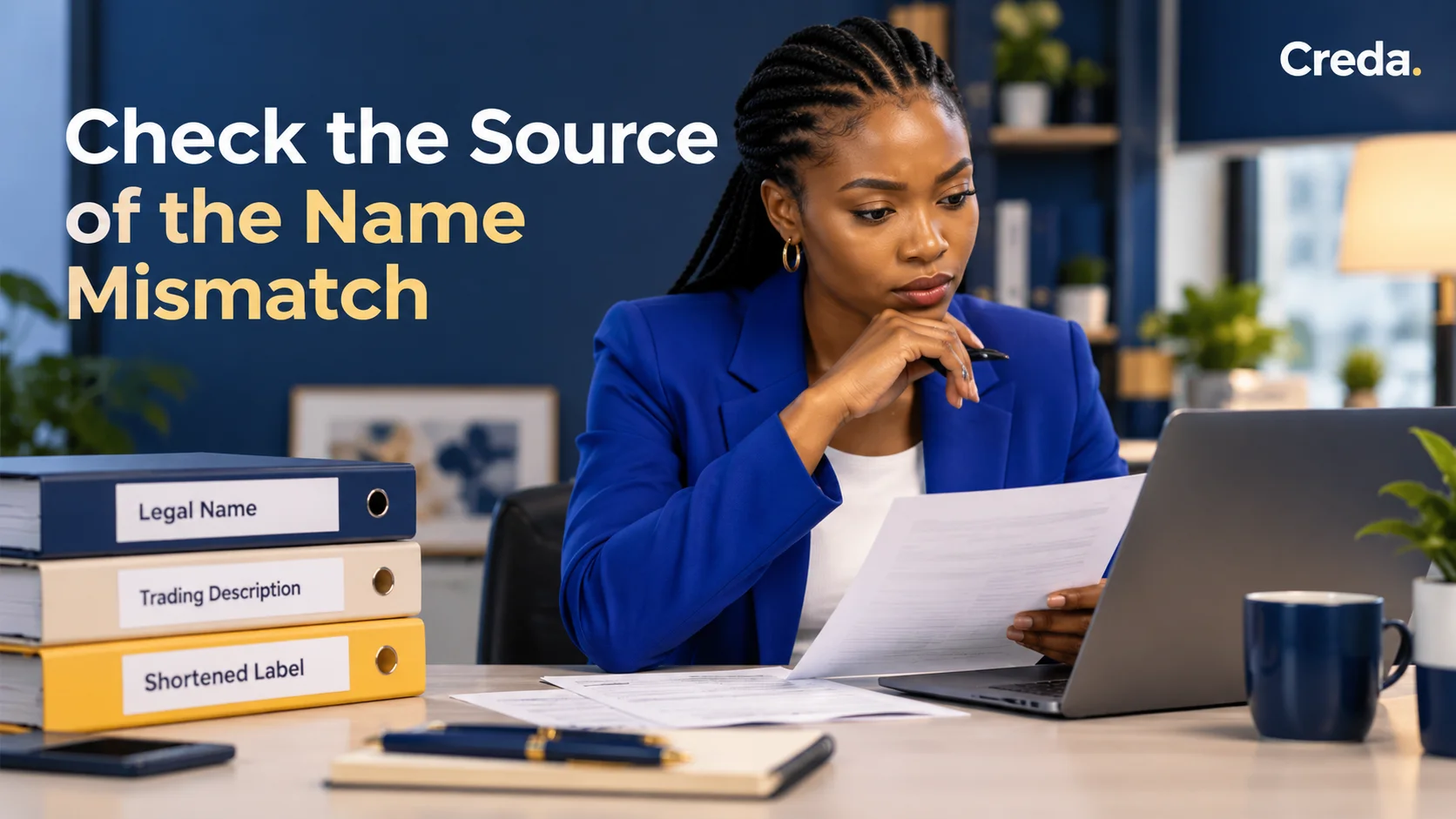
When a supplier form shows your business name differently, compare it with the latest official record and the name your team uses to trade. Ask whether the supplier needs a legal entity name, brand name, billing name or bank beneficiary name. The right reaction depends on which field is involved.
Trace the mismatch before changing anything
Check the certificate or status report and where relevant the bank account details and invoice template. Record the spelling on each. If the supplier has entered a shortened label, ask whether it can store the legal name and brand separately. If the registry record appears inaccurate, investigate the correct route before asking others to copy it.
Example. A supplier’s buyer knows a restaurant by its brand, but accounts payable needs the company’s registered name. The supplier can list the legal entity in its payee record and display the restaurant name on the ordering form if its process allows it.
Confirm the correction reached the right teams
Send the verified record through an agreed channel and ask what will be updated. Check the next order, invoice or payment instruction before relying on it. If third parties have other versions, update them only when they use the affected detail.
Can I edit the CAC file to match the supplier form? Keep the issued file intact. Use a separate explanation or have the incorrect underlying record corrected through the appropriate route.
Find where the supplier name differs from the legal record
Create a three-column list for the document, the name shown and the purpose of that name. Enter the official record, supplier form and the invoice or payee instructions. This is often enough to locate the mismatch. Confirm whether the supplier wants the exact name on the official record or a trading label for display.
| Where the difference appears | Who to contact first |
|---|---|
| Display name on the order page | Supplier contact who manages the vendor listing. |
| Supplier finance or payee record | Supplier accounts team through the verified contact route. |
| Your own quote or invoice template | Your finance or operations owner. |
| Current official registration record | The registry or a post-incorporation adviser who can identify the correct procedure. |
Confirm the update on the next document
Ask the owner of the affected record to confirm the exact updated wording. Check it when the next purchase order or invoice arrives. If bank details are also mentioned, verify new payment instructions using an established contact channel before sending money or asking others to do so. Keep a short note explaining why two legitimate names may appear, such as a brand label on orders and an entity name for billing.
Ask CredaBiz about a formal record discrepancy
Ask CredaBiz about a formal record discrepancy. Open Post-Incorporation and explain which records differ, when each was issued and which spelling you expected. Ask what evidence is required to identify the appropriate next step.
Join the conversation
Share a brief thought or question about this article.
No comments yet. Be the first to share a thought.
Suggested for you
Business registration
How to Read a CAC Registration Quote and Understand Its Scope
Check the registration work, responsibilities, charges and query handling covered by a CAC service quote before accepting it.
28 November 2026
Business registration
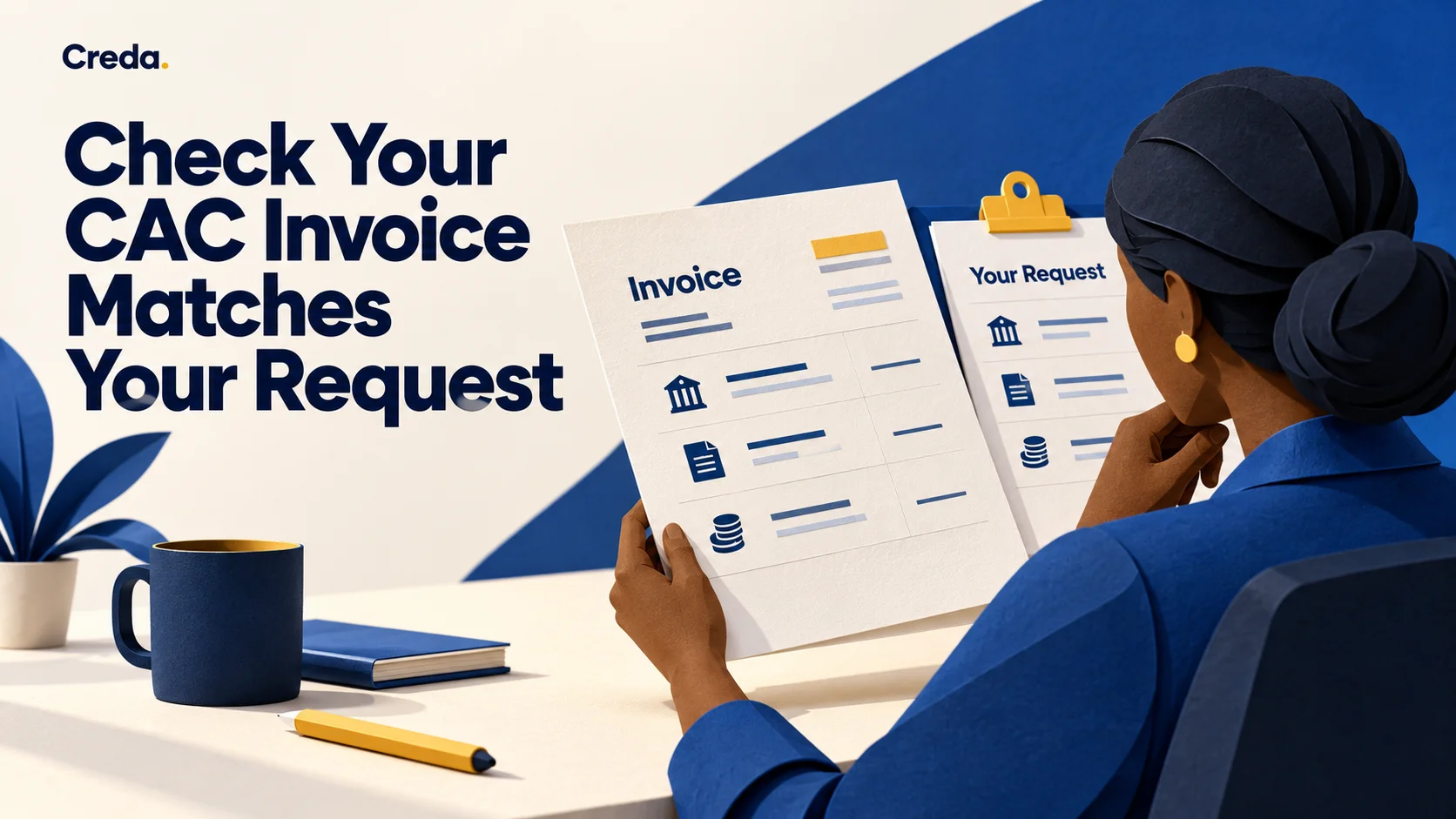
How to Check That a CAC Registration Invoice Matches Your Request
Match the invoice with the agreed entity type, stage, fees, deliverables and payment reference before paying.
28 November 2026

Business registration
CAC Registration for Nigerian Online Sellers: What to Prepare
Prepare your business activity, owner details and registration documents before filing for a Nigerian online-selling business.
27 November 2026