
Business registration
CAC Registration Portal Login: How to Access Your iCRP Account in 2026
Access the official CAC iCRP account, complete the required verification and identify the correct next action for your application. Includes a link to a dedicated account-recovery guide.
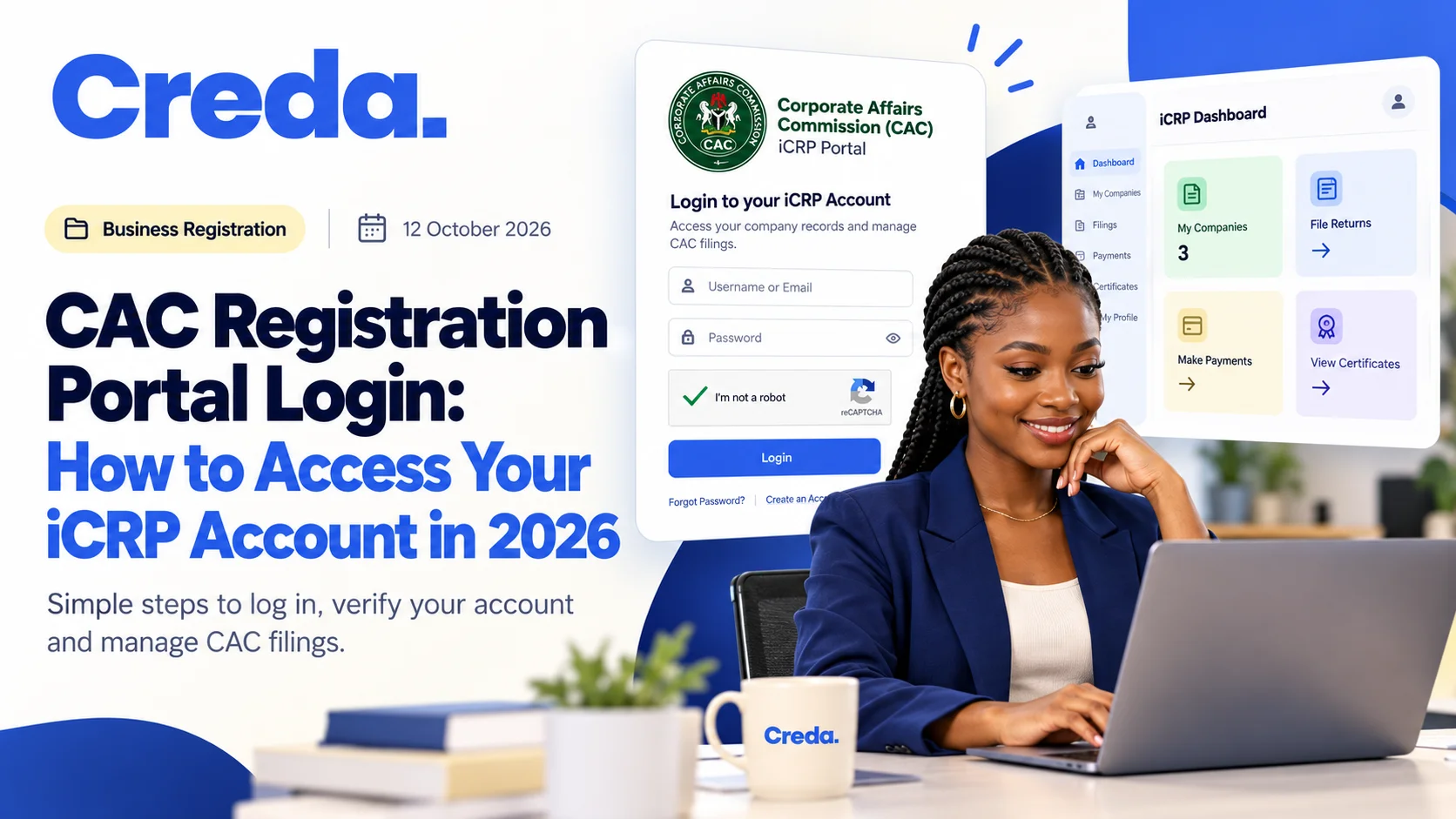
To access CAC's iCRP, start from the official CAC website, open the registration portal and use your existing account credentials. Complete the verification requested by the system before using the dashboard.
Confirm the destination first
Use CAC's official website and its portal links. A search result, advert or forwarded message can resemble the genuine service, so check the destination before entering account information.
This article explains normal login. If you have forgotten credentials or lost access to the registered email, use the separate account-recovery guide.
Use the existing login
CAC's FAQ describes several accepted identifiers, including username, email, phone or accreditation number. Use the details associated with the account and follow the current screen instructions.
Keep the distinction between a portal account and a registered entity clear. Signing into an account does not by itself prove that every business record you need is associated with it.
Complete account verification
The iCRP guidance describes verification for access to the upgraded system. Use the code and channel requested by the legitimate portal. Keep the registered email under your control and do not disclose passwords or one-time codes to an adviser.
If verification fails, identify the actual error. Repeated guesses or another account can make recovery more confusing. Preserve the issue without collecting or sharing unnecessary identity information.
Choose the task from the dashboard
Once signed in, identify whether you need name reservation, a new registration, an existing application or the relevant post-registration process.
Keep the application reference ready and check the entity type before proceeding. A business-name registration route should not be used as a substitute for incorporating a company.
For the practical sequence, read online registration from name search to certificate.
When an application does not appear
Confirm the account and reference first. The issue may concern the account, a particular application or authority to manage a record. Describe that distinction when contacting official support.
Do not begin another registration or pay again just to test whether the old record will reappear. Follow the applicable support or record-management process instead.
Keep access workable after today
Agree who maintains the business's account information and official correspondence. Store access securely and ensure the business retains control when staff or advisers change.
A registration completed through someone else's contact details can become difficult to maintain if nobody planned for future access.
Frequently asked questions
Is this a separate Creda portal?
No. This guide concerns the Corporate Affairs Commission's registration system.
Does login complete an application?
No. Login gives access; each reservation, registration or filing has its own steps and status.
Where do I go for forgotten-password problems?
Use the official recovery options and our CAC account-recovery guide.
Prepare the task before entering the form
Ask Creda for business registration support if you need help organising an application. Share the task and reference while keeping credentials private.
Sources
Reviewed on 28 October 2026. Follow current portal instructions if screen labels change.
Join the conversation
Share a brief thought or question about this article.
No comments yet. Be the first to share a thought.
Suggested for you

Business registration
How to Keep a Business Registration Project Moving With Two Founders
Agree how the founders will resolve decisions and provide documents. A single timeline helps prevent the application from waiting indefinitely between separate conversations.
9 November 2026

Business registration
How to Handle a CAC Query Without Losing the Original Instruction
To handle a CAC query, preserve the original filing instruction, record the exact requested change, submit one controlled correction, and compare the final preview with the original before resubmitting.
9 November 2026
Business registration
What Happens If My CAC Name Reservation Expires?
An expired reservation should not be treated as a live entitlement to register that name. Check its current status and the available official route. Availability may change, so do not assume you can simply reuse an old approval code.
9 November 2026