
Business registration
CAC iCRP Account Recovery: Forgotten Password, Email and Login Problems
Recover access to an existing CAC iCRP account: check the login identifier, reset a forgotten password, identify the registered email and escalate unresolved access issues safely.
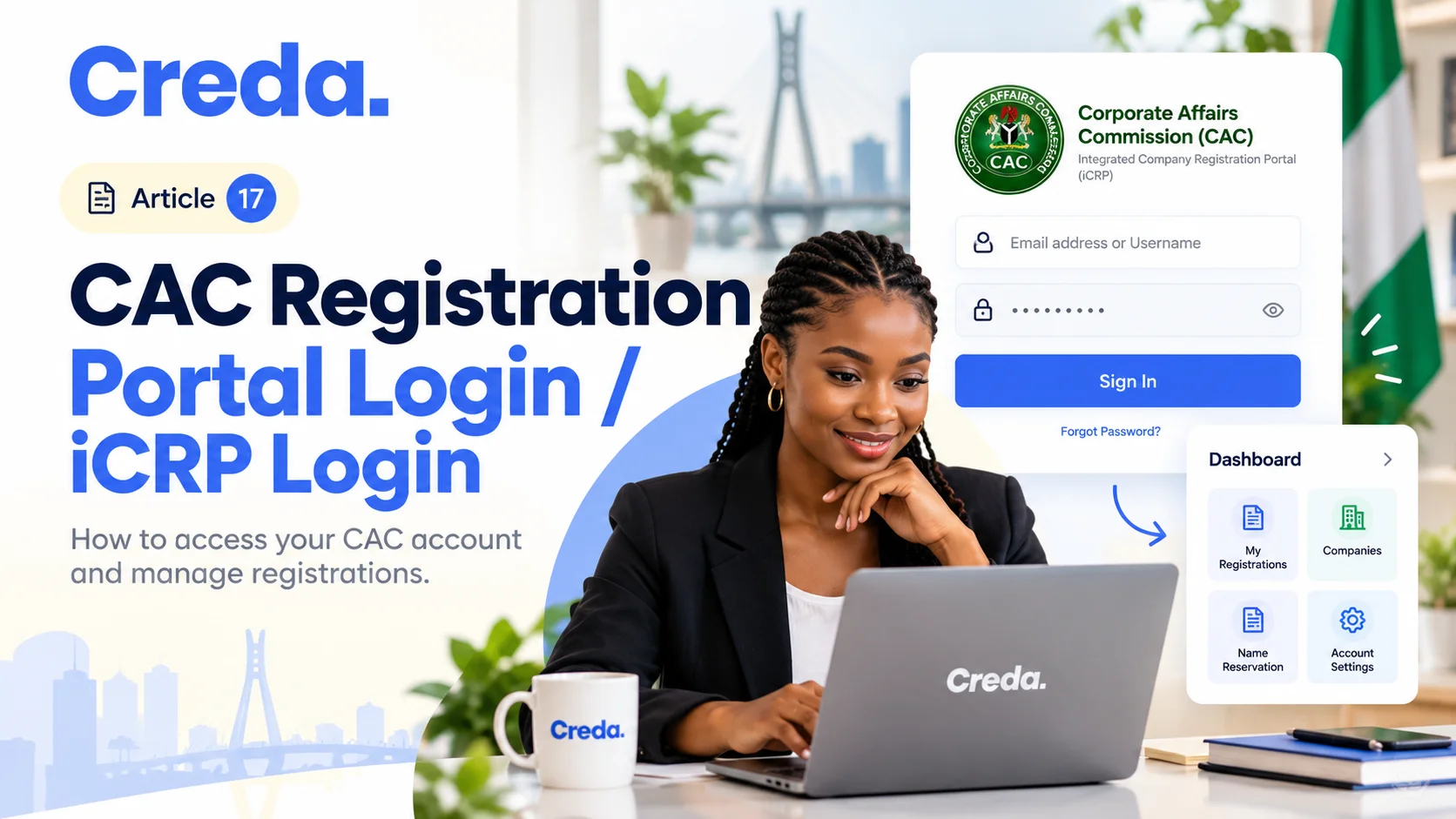
If you cannot access your CAC iCRP account, investigate the existing login and recovery options before creating another account. A new account should not be assumed to contain your old applications or registered-entity records.
Identify the problem first
Write down whether the issue is an incorrect password, forgotten username, inaccessible email, verification code or missing application. These require different responses. Preserve the error wording and application reference without including passwords or security codes.
Our CAC portal login guide explains normal access. This article focuses on recovering an existing account.
Forgotten username or password
CAC's guidance allows alternative login identifiers and provides a forgotten-password route. Check the details used when the account was created and use the official recovery process.
Avoid repeated guesses. CAC warns that repeated incorrect login attempts can lock an account. If the reset message does not arrive, check the relevant email inbox and whether the account details are correct before making more requests.
Unsure which email is registered?
The iCRP FAQ describes a Check Email option. Use the current official interface and compare the result with your own records. Do not ask an unofficial intermediary to search your email by collecting unrelated identity information.
If you no longer control the registered email, the FAQ directs users to CAC support for an update request. Explain the problem and provide only the verification information requested through the official process.
Verification or duplicate-detail issues
Follow the portal's instructions for verification and any duplicate username or phone-number issue. A support problem does not justify disabling security protections or giving someone your one-time code.
Keep the account's email and telephone details current once access is restored. Agree who in the business is responsible for maintaining them.
Access restored, but records are missing?
Confirm that you entered the intended account and check the application reference. Ask official support about the particular record. Login access and authority to manage a registered entity are separate questions; do not assume that creating another login transfers either.
Keep a short support log containing the date, issue, ticket or reference, response and next action. That is more useful than opening several unexplained requests.
Frequently asked questions
Should I create a new account to fix a forgotten password?
Try the existing account's recovery route first. A new login may not resolve access to previous records.
Can Creda receive my password or verification code?
Keep those private. Describe the problem and use official account-recovery procedures.
Where can I verify CAC support details?
Use the official iCRP contact page rather than contact information copied from an unsolicited message.
Move forward with the right reference
Ask Creda for business support if you need help organising an application issue. Share the problem and reference, with sensitive credentials removed.
Sources
Reviewed on 28 October 2026. Follow the current interface if the screen labels change.
Join the conversation
Share a brief thought or question about this article.
No comments yet. Be the first to share a thought.
Suggested for you

Business registration
How to Keep a Business Registration Project Moving With Two Founders
Agree how the founders will resolve decisions and provide documents. A single timeline helps prevent the application from waiting indefinitely between separate conversations.
9 November 2026

Business registration
How to Handle a CAC Query Without Losing the Original Instruction
To handle a CAC query, preserve the original filing instruction, record the exact requested change, submit one controlled correction, and compare the final preview with the original before resubmitting.
9 November 2026
Business registration
What Happens If My CAC Name Reservation Expires?
An expired reservation should not be treated as a live entitlement to register that name. Check its current status and the available official route. Availability may change, so do not assume you can simply reuse an old approval code.
9 November 2026